Bible Reading App
THE IDEA
I have had this idea in mind for a good 2 years or so now, and I wish that I had the knowhow for making apps for Apple or Android products, but, alas and alack, I do not. And I care less about being able to be the ONE to make this idea a reality—I prefer to put the idea out there and see if anyone else could build upon my thoughts.
My concept is an amalgamation of YouVersion/Biblegateway and the Urbanspoon app…
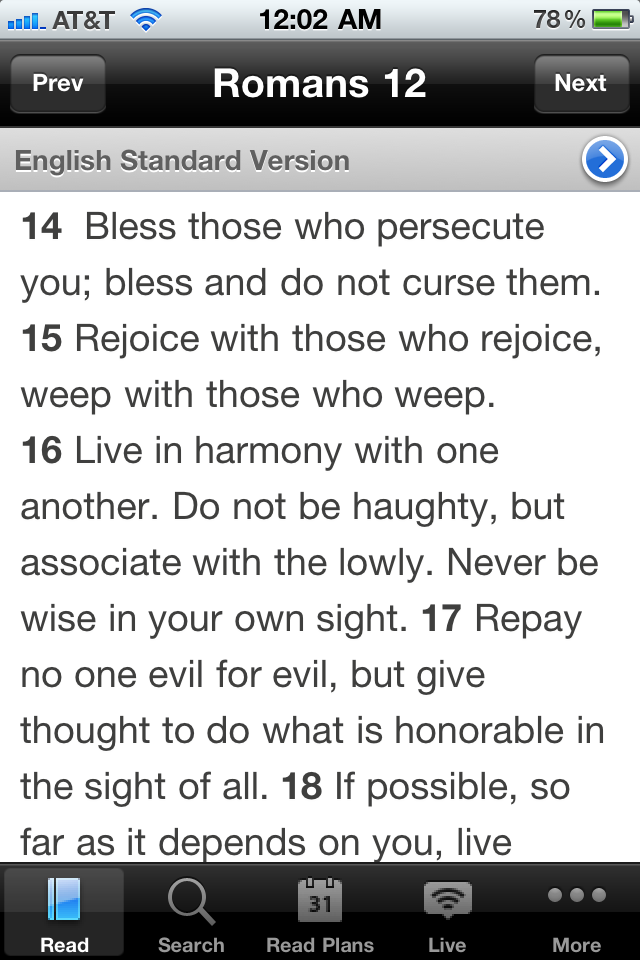 +
+  = …..?
THE APP
I love the fact that you can view so many translations and paraphrases on Biblegateway.com and through YouVersion on multiple devices, but what I would enjoy is getting to see multiple versions at once to be able to compare and contrast, get a better understanding of the text.

This is how it would work. You would pull up the text, according to Book, Chapter and Verse—and then once you have your selection, that’s when the fun begins.
You tap on the screen and it will select a word. You can drag the Left Bracket and Right Bracket to select more or less of your text. Then you choose another version on the sidebar. The selected text will change colors according to the version—you can customize those colors in your settings, but should avoid having the same or too similar colors, or else the selections won’t stand out.
If you want to choose elsewhere in the text, you simply follow the same steps. If you want to change your first selection, go back to it, tap it once and it will select the whole selection. If you want to change versions within your selection (see one word in NASB amongst a selection displaying the NIV), you simply double tap that word and new brackets will appear, which you can adjust as well.
If you want to change selections to the original version, simply highlight a selection and click the box at the top right (which will always be in white [or black if you are in Night Mode] even if your assigned color is different). Under settings, you can choose to clear all selections and make it all one version.
If you want to select beyond your screen limits, you select as far as you can, then hit the red plus sign and the screen will move down to let you select more upon your first touch.

If you want to see multiple versions of a word or phrase at once, you make your selection and then hold down over that selection—a spinner of versions will appear, much like Urbanspoon. You can then scan through the different versions, then, with a double tap, make your selection and you will return to the text.
THE HOLDUP
What is required in this app is a system of connected words and phrases, knowing that 3 words in one version equal 1 word in another and 10 words in another. It should probably build upon the Hebrew and Greek, but this would be quite intensive (I believe) and I have no idea how it would be or could be done. But I believe that this could make reading the Bible on computers, smartphones and tablets so very interesting and fun.
